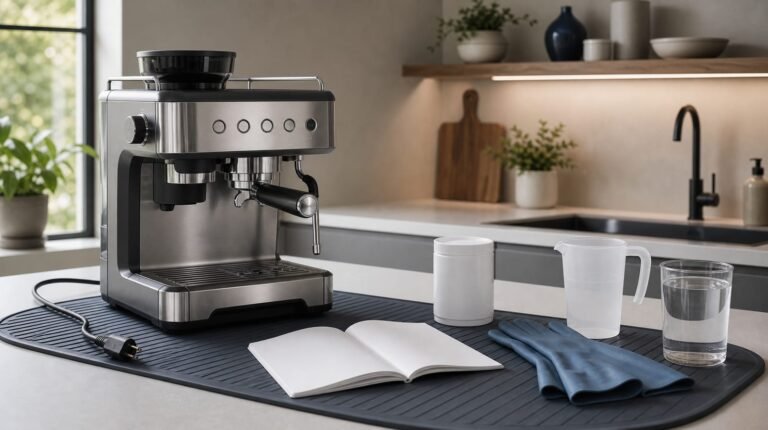
This guide explains how to descale a De’Longhi Dinamica coffee machine, from the first alert to the final rinse.
De’Longhi’s help centre says the display prompt offering descaling or cancellation means your Dinamica needs descaling. On the Dinamica with a B5 indicator, flashing means descaling is due; a steady light means the programme is running.
There are two routes, and the controls tell you which one you have. On the display models (ECAM35X.55 to ECAM35X.75) you open Settings, go to Maintenance and choose Descale; the on-screen prompt puts the job at roughly 45 minutes, and pressing ESC at that prompt only postpones it. On the light-led machine you hold B8 until B5 lights alongside ESC and OK, and its descaling stage runs for about 35 minutes before two clean-water rinses. A quick phone photo of the display or lights at each stage change makes it easy to pick up again if you are interrupted.
This article was produced with the help of AI and reviewed before publication.
In this article
- Get your machine and supplies ready
- How to descale your coffee machine: DeLonghi Dinamica
- Choose a descaler and understand the vinegar alternative
- Find the right Dinamica manual PDF
- Descaling a Magnifica or Dedica instead?
- Finish the programme, not just the descaling stage
Get your machine and supplies ready
Find the ECAM model number and identify the control panel
Use the full ECAM number as your starting point, rather than choosing a programme by the Dinamica name alone. A photograph of the model label and controls makes a useful reference while you work.
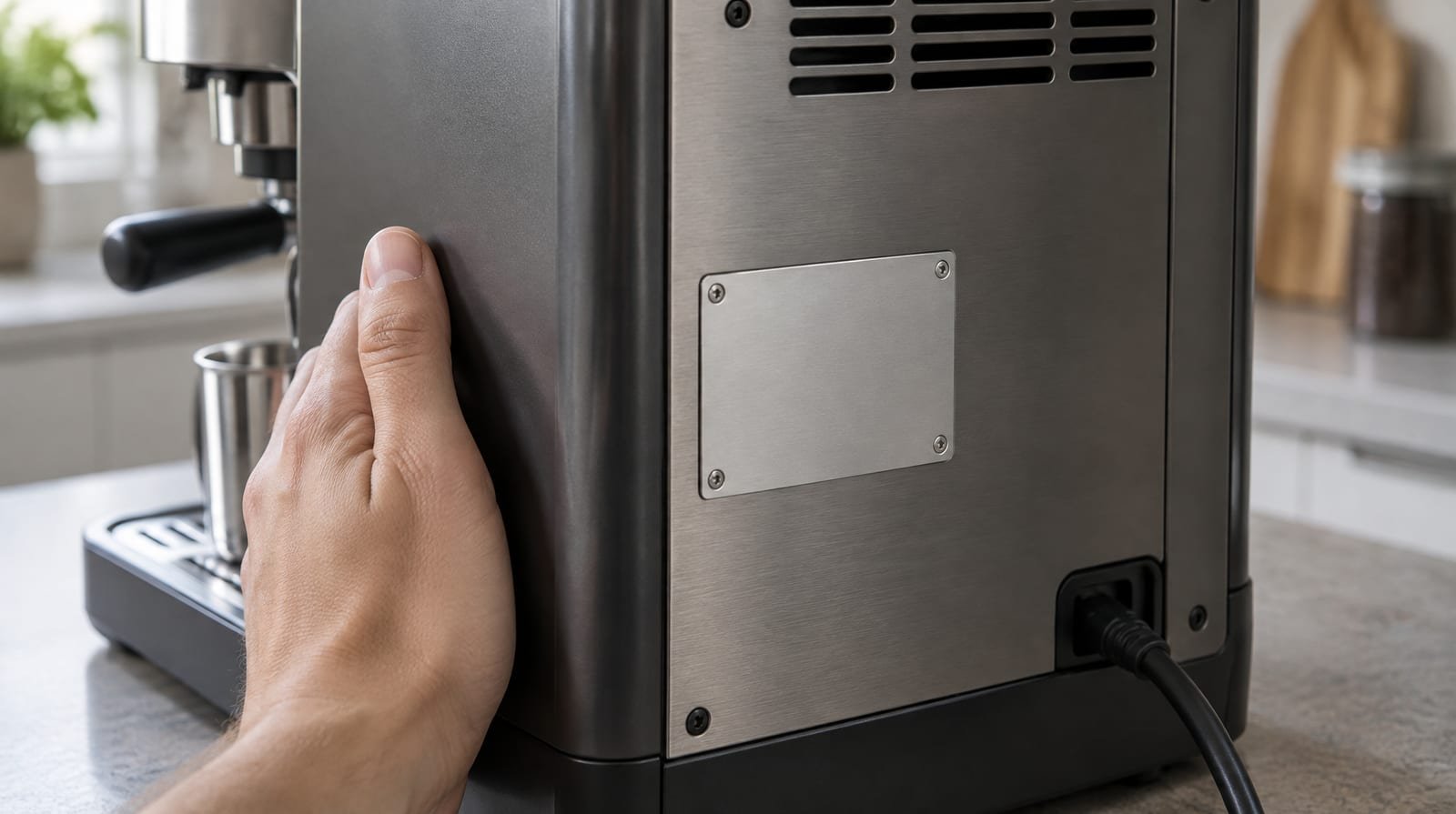
The ECAM35X.75 instructions use a Settings button, selection arrows and OK to access maintenance operations. The light-led Dinamica instructions instead use numbered icons and a steam/hot-water dial.
Tom’s Coffee Corner identifies its reviewed Dinamica Plus as ECAM370.95. It describes a touch display with buttons underneath for moving left or right through the menu. Treat these control layouts as different routes, not interchangeable button sequences.
Prepare descaler, water and a collection container
Gather the supplies before starting, but leave filling the tank until that step in your programme. For the light-led Dinamica, the quantities below come from the instructions hosted by Williams Sonoma.
- Record your full ECAM number from the model label.
- Match your control panel to the appropriate layout: Settings and selection arrows, numbered icons with a steam/hot-water dial, or the Dinamica Plus touch display.
- Read the descaler packaging before use. The light-led Dinamica instructions specify De’Longhi descaler and warn that unsuitable products or incorrect descaling can cause faults outside the manufacturer’s guarantee.
- For the light-led Dinamica, set aside 100 ml of descaler and 1 litre of water. Its tank takes descaler to A, then water to B; these are separate additions.
- For the light-led Dinamica, choose a collection container holding at least 1.8 litres that can sit beneath both the frother and coffee spouts.
- Keep fresh water available for rinsing. The light-led Dinamica instructions require filling the tank to MAX for its rinse stages.
Keep clear of splashes: the light-led Dinamica releases hot, acidic liquid through the frother and coffee spouts. The display-led instructions also warn that descaler can damage delicate surfaces and that spills should be dried immediately.
With your control panel identified and supplies ready, choose the walkthrough that matches your machine.
How to descale your coffee machine: DeLonghi Dinamica
ECAM35X.55–ECAM35X.75: display-led descaling
The prompt puts the whole programme at about 45 minutes. In the manual’s sequence the descaling run itself stops after about 25 minutes; what follows is two clean-water rinses and the tank refills between them, so keep the full time free rather than treating that first stop as the end.
- Switch the machine on and wait until it has heated and is ready to use.
- Press Settings (B6), use the arrows (B2 and B4) to bring Maintenance between the dotted lines, and press OK (B3).
- Press OK on Descale, then OK again to confirm. If the descaling prompt is already on screen, pressing OK there takes you straight to the next step; ESC only puts the job off.
- Take out the water tank, lift out the water softener filter if one is fitted, pour the tank away and press OK.
- Pour a 100 ml pack of De’Longhi descaler into the tank up to the A mark on its inside wall, add 1 litre of water to reach the B mark, refit the tank and press OK.
- Empty the drip tray and grounds container, slide both back in and press OK.
- Stand a container holding at least 1.8 litres under both the coffee spouts and the hot water spout, then press OK. What comes out is hot and acidic, so keep your hands away.
- The programme now runs by itself, sending solution out of both outlets with automatic rinses in between. It stops after about 25 minutes.
- For the first rinse, empty the container, rinse the tank under the tap, fill it with fresh water to MAX, put it back and press OK.
- Return the empty container to its place under both outlets and press OK twice. Water runs from the coffee spouts first and then from the hot water spout until the tank is empty.
- Empty the container. Fill the tank to MAX again, put the softener filter back if you took it out, refit the tank and press OK.
- For the second rinse, set the empty container under the hot water spout only and press OK twice; this time water comes from that spout alone.
- When the second rinse ends, empty and refit the drip tray and grounds container, then press OK twice.
- To finish, empty the container, rinse the tank, fill it to MAX with fresh water and put it back. The descaling cycle is now complete.
If the machine asks for a third rinse at the end, one of the rinse fills fell short of MAX. Empty the drip tray before following that prompt so it does not overflow.
Light-led Dinamica: flashing and steady B5 indicators
For the light-led machine, the instructions hosted by Williams Sonoma give two ways into the programme. When only OK and ESC remain lit at the descaling prompt, OK takes you straight to tank preparation. Otherwise, start from standby as follows.

- Press A23 to leave the machine in standby. If you have accepted the descaling prompt with OK, start at the tank-preparation step instead.
- Discard the contents of the drip tray and grounds container, then put both back.
- Hold B8 down until B5 illuminates together with ESC and OK.
- Take out the tank, discard its water and remove any fitted water-softener filter.
- Add 100 ml of De’Longhi descaler, reaching A, followed by 1 litre of water, reaching B; put the tank back.
- Use a collection vessel with at least 1.8 litres capacity. Position it to catch discharge from both the coffee outlets and frother.
- Press OK to confirm that you have added the solution.
- When ESC flashes, turn the steam/hot-water dial to I; descaling liquid begins flowing from the frother.
- Allow the automatic deliveries and pauses to continue. At roughly 35 minutes, descaling pauses and B3 flashes.
- Discard the collected solution.
- Take out the tank, discard any remaining liquid and wash it under running water. Refill to MAX with fresh water and put it back.
- Position the emptied collection vessel beneath both the frother and coffee outlets.
- Press OK; flashing ESC requests dial position O. Turn the dial to O to begin rinsing through the coffee outlets.
- When ESC next flashes, turn the dial to I for rinsing through the frother. B3 illuminates once the tank is empty.
- Discard the collected rinse water.
- Remove, empty and wash the tank under running water. Refill to MAX, reinstate any removed filter and put the tank back.
- Position the emptied collection vessel beneath the frother.
- Press OK for the second rinse, which discharges only through the frother. Wait for the tank to empty and the indicator to flash.
- Discard the collected water, then refill the tank to MAX with fresh water and put it back; ESC flashes.
- Return the dial to 0.
- Discard the contents of the drip tray and grounds container, then refit both to finish the programme.
Stage by stage, the two programmes line up like this:
| Stage | Display models | Light-led Dinamica |
|---|---|---|
| Descaling run | Solution leaves the coffee spouts and hot water spout; stops after about 25 minutes | Solution leaves the frother between automatic pauses; stops after about 35 minutes, when B3 flashes |
| Before rinse 1 | Empty the container, rinse the tank, fill to MAX | Empty the container, wash the tank, fill to MAX |
| Rinse 1 | Coffee spouts first, then the hot water spout, until the tank is empty | Dial at O for the coffee outlets, then I for the frother when ESC flashes; B3 lights when the tank is empty |
| Before rinse 2 | Fill to MAX and refit any softener filter you removed | Fill to MAX and refit any filter you removed |
| Rinse 2 | Hot water spout only | Frother only |
| Finish | Empty the drip tray and grounds container, then refill the tank to MAX | Refill to MAX, return the dial to 0, empty the drip tray and grounds container |
On the light-led machine, finding water in the grounds container afterwards is normal, and a rinse fill below MAX makes the machine ask for a third rinse.
Dinamica Plus ECAM370.95: finding its programme
The Dinamica Plus has a different control layout: Tom’s Coffee Corner describes a 3.5-inch colour touch display, settings opened from that display, buttons beneath it that move the menu left or right, and a 1.8-litre water tank. De’Longhi’s step-by-step sequence for this model is not reproduced here, so look up the manual for the full ECAM370.95 number and follow its touch-display prompts rather than the B8-and-dial routine of the light-led machine. The same review recommends descaling regularly and using filtered water to cut down the minerals that reach the machine. If a cycle stops early, Coffee Forums suggests refilling the tank and restarting descaling; treat that as forum troubleshooting, not a Plus instruction.
Before substituting another descaler, separate the Dinamica’s requirements from general espresso-machine advice.
Choose a descaler and understand the vinegar alternative
What De’Longhi recommends
For your Dinamica, stick with De’Longhi descaler rather than white vinegar. Both Dinamica manuals name De’Longhi descaler and warn that unsuitable descaling products can cause faults the guarantee does not cover.
De’Longhi also recommends its own descaling solution for pump espresso machines, saying it is formulated specifically for its machines. That is a broader recommendation, not a Dinamica-specific dilution recipe or programme sequence.
Keep the product choice separate from the operating instructions: choosing the recommended solution does not make another machine’s descaling sequence suitable for yours.
What the white-vinegar advice actually supports
Can you use white vinegar instead? A Home-Barista forum reply says an espresso machine can be descaled with equal quantities of white vinegar and water. It also warns that the mixture smells.
A contributor describes distilled white vinegar as water containing 5% acetic acid. Another reply distinguishes boilers: single boilers are easier to rinse, while steam boilers are harder to rinse and should not receive vinegar.
In short, the forum method is equal parts white vinegar and water run through a general espresso machine. It is forum advice, not written for the Dinamica, and the manufacturer’s warning that follows takes precedence.
Vinegar is not De’Longhi descaler, so using it falls outside what the Dinamica manual allows. For this machine, choose the recommended descaler over the forum recipe.
The distinction is between a reported method and manufacturer approval. A forum recipe for an espresso machine does not establish that vinegar suits your Dinamica’s materials or automated programme.
For the owner trying to clear a Dinamica descaling alert, the practical choice is the recommended descaler and the matching model procedure. Do not replace its solution or rinse stages with the forum recipe.
Keep the instructions for your exact model alongside your chosen descaler. Here is how to find the matching PDF.
Find the right Dinamica manual PDF
Match the PDF to your full ECAM number
For ECAM35X.75, choose the manufacturer-hosted instructions rather than a download labelled only Dinamica. Keep the matching PDF alongside the walkthrough as your reference.
The instruction PDF hosted on delonghigroup.com is named EN-5713229761.pdf. Search for that filename when looking for the manufacturer-hosted copy.
For an ECAM35020B, De’Longhi’s user manual for that model is available as a PDF on williams-sonoma.com. Check the model designation inside it before relying on its instructions.
Locate the descaling instructions
- Search for your full ECAM number together with manual PDF, retaining every letter and digit rather than searching only for Dinamica.
- Check the model designation inside the PDF against your machine’s full number before saving it as your reference.
- Search inside the matching PDF for descaling, and read the whole procedure through once before you start the machine.
Prefer a video alongside the PDF? De’Longhi’s Dinamica help page directs owners to a video for detailed descaling instructions.
If your machine is a Magnifica or Dedica rather than a Dinamica, use its corresponding procedure instead.
Descaling a Magnifica or Dedica instead?
Magnifica and Magnifica S ECAM 22.110
For a Magnifica or Cafe Corso with a descale button and manual frother, De’Longhi gives this sequence. Keep it separate from the Dinamica programme.
- Prepare the tank with De’Longhi descaler diluted with approximately 1 litre of water, then refit it.
- Keep the descale button pressed until the cup indicators extinguish or flash together with the steam indicator.
- Position a 1.5-litre collection vessel beneath the manual frother.
- Fully open the steam valve. Allow 20–30 minutes for the alternating flow and pauses.
- Close the steam dial when the machine signals that the tank needs filling.
- Rinse the tank and replenish it with fresh water.
- Refit the tank.
- Empty the collection vessel and return it beneath the frother.
- Fully open the steam valve again to rinse.
- Close the steam dial once rinsing finishes; the machine switches itself off.
- Remove the tank and replenish it with fresh water.
- Switch the machine on again. The descaling indicator should be off.
For the Magnifica S ECAM 22.110, use De’Longhi’s model-specific video: choose its diffuser-descaling version or its separate steam-nozzle version according to your machine.
Dedica: the red descaling light
De’Longhi’s Dedica FAQ calls the warning red; its walkthrough calls it orange. Allow approximately 25–30 minutes. Use its illustrated button guide alongside this sequence to identify the programme-entry and start controls.
- Read the descaler packaging before starting. De’Longhi specifies its own descaler and warns that unsuitable products or incorrect descaling can cause faults outside the guarantee.
- Remove any fitted water filter.
- Fill the tank with descaler and water in the proportions stated on the packaging.
- Press ON/OFF.
- Detach the portafilter.
- Place a collection vessel beneath the cappuccino maker.
- Wait until the readiness indicators remain steadily lit.
- Press and hold the programme-entry button indicated in De’Longhi’s guide. After 10 seconds, check that the three indicators flash one after another.
- Turn the steam dial to the position illustrated in De’Longhi’s guide.
- Press the indicated start button. Let the programme alternate discharge and pauses until the tank empties.
- During this stage, occasionally close the steam dial to send solution through the coffee outlets. A flashing orange indicator after discharge stops means the programme is not finished.
- Empty the collection vessel and reposition it beneath the outlets.
- Remove the tank, empty it, wash it under running water, refill to MAX with fresh water and refit it.
- Check the steam dial against De’Longhi’s illustrated rinse position.
- Press the indicated button to begin rinsing.
- Repeat the rinse preparation and rinse cycle, reinstating any previously removed filter for this second rinse.
- Wait for the tank to empty and the orange indicator to extinguish; the other indicators flash at completion.
- Return the steam dial to 0.
- Replenish the tank with fresh water.
Finish the programme, not just the descaling stage
Choose the walkthrough by your model and controls, rather than the range name alone. Keep the solution preparation and rinse stages together when following it.
For the light-led Dinamica, check that the final refill reaches MAX and the dial is back at 0. Finish by emptying and refitting the drip tray and grounds container; the Williams Sonoma-hosted manual places completion after this step.
Two last checks apply to every Dinamica. If a cycle was interrupted, for example by a power cut, run it again from the start. Then test your water with the hardness strip and set the machine to match: the descaling alert is timed from the hardness setting, which starts at level 4, so a correct setting can mean fewer alerts.
Sources
- Message: Descale, ESC to cancel, OK to descale | Dinamica ECAM35X.55 – ECAM35X.75 — support.delonghi.com
- De Longhi Dinamica Espresso Machine ECAM35020B User Manual (PDF) — williams-sonoma.com
- EN 5713229761 (PDF) — dls.delonghigroup.com
- Delonghi Dinamica Plus Espresso Machine Review — tomscoffeecorner.com
- How to descale delonghi dinamica? — coffeeforums.co.uk
- How do I descale my pump espresso machine? FAQ — delonghi.com
- Vinegar for descaling an espresso machine? — home-barista.com
- How do I descale my Magnifica Or Cafe Corso Bean to Cup machine? FAQ — delonghi.com
- How to Descale Your De’Longhi Magnifica S ECAM 22.110 Coffee Machine? FAQ — delonghi.com
- Dedica and Dedica Arte: Descaling and Cleaning FAQ — delonghi.com